
Sunstone of Time VR Comfort Settings That Actually Help
Sitting versus standing, snap turn, brightness and playspace. The comfort setup that makes Sunstone of Time playable in long sessions without a headache.
Sunstone of Time has no locomotion, no jumping and no rollercoasters. It still makes some people feel ill, because it asks you to stand in one place, turn your head constantly and stare at small objects at arm's length for an hour.
The fixes are boring and they work. Here are the settings worth changing before Chapter 1, in the order that matters.
If you have not started yet, the walkthrough hub → gives you the chapter order; this page is only about the headset.
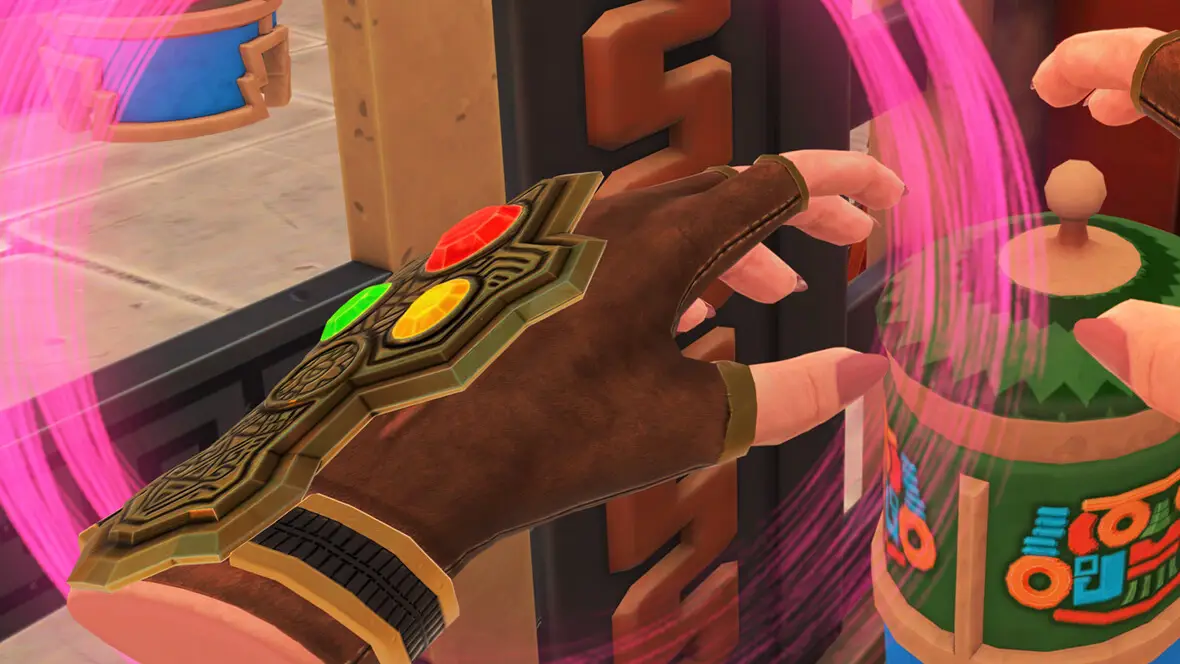
1. Snap turn instead of smooth turn
This is the single biggest change. Smooth turning in a room with close walls is the classic nausea trigger, and it also makes dials harder to read because the world slides while your hands do not.
On PSVR2, snap turn is set per game in the VR options. On Steam, it is usually a game-level setting first and a SteamVR binding second. Set it to 30 or 45 degrees, not 15; small snaps encourage you to keep turning and you lose the benefit.
2. Sit or stand on purpose
The PS5 listing supports sitting, standing and roomscale, and the game is honest about all three. Sitting is comfortable but makes high reaches and floor-level pickups awkward. Standing is better for the puzzles and worse for your legs after ninety minutes.
The workable compromise is a high stool or a chair you can push back from. Play the reading sections seated, stand for the mechanisms. Sunstone of Time is generous about this because it never moves you while you are seated.
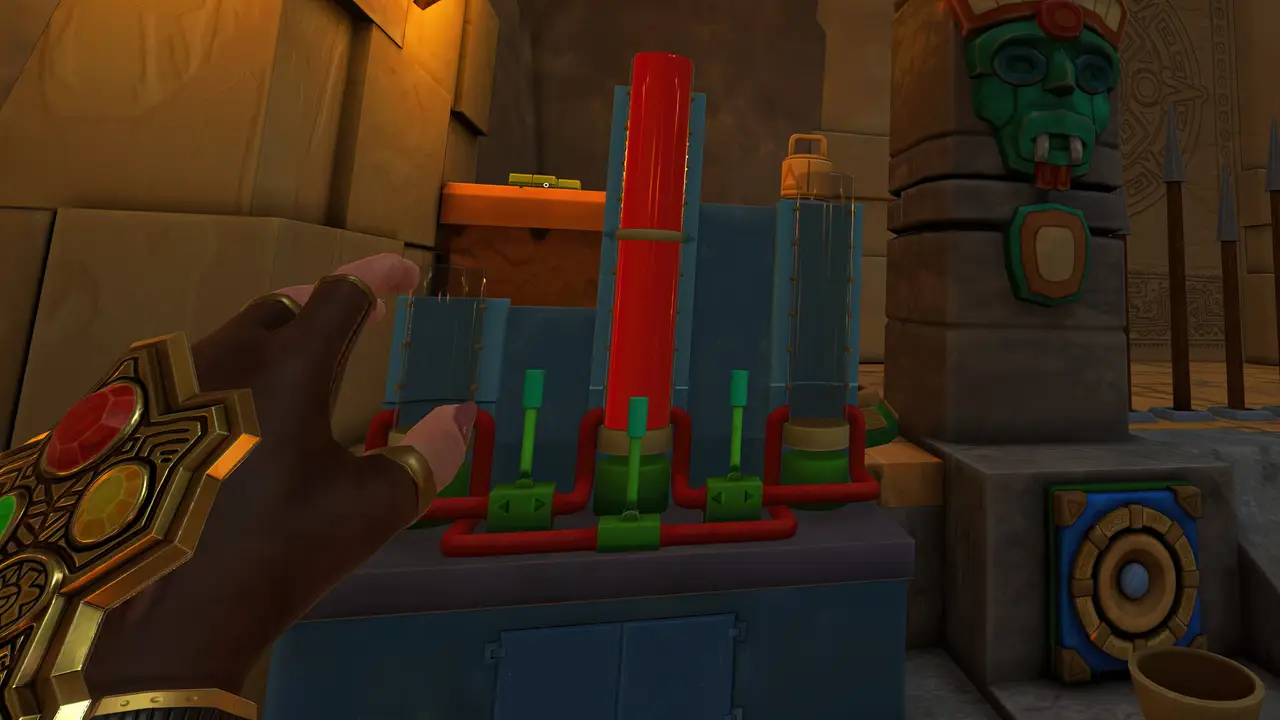
3. Fix your IPD and headset fit
A headset that sits too high or too low puts the lenses off your pupils, and the result is blur that your eyes keep trying to correct. That correction is tiring, and tired eyes read as nausea after an hour.
On PSVR2, run the eye-tracking setup again if you have not done it since the last update. On PC, set IPD manually rather than trusting a default, and push the headset down at the back until the text is sharp. Sharp text equals less eye strain.
4. Raise brightness one notch
Sunstone of Time is a dark game. Stone corridors, torchlight, deep shadows. In a bright room, the headset's display fights the daylight and everything turns muddy.
Two options: dim the room, or raise in-game brightness. Dimming the room is better for contrast and worse for tracking on inside-out headsets. A middle setting, plus a lamp behind you rather than in front, usually works.
5. Clear a real playspace
The game asks you to reach low, reach high and step back. A rug that slides, a coffee table at knee height or a sofa directly behind you will interrupt all three.
Mark a spot with your feet. Return to it after every mechanism. The PSVR2 setup page → covers boundary settings in detail.
Play twenty minutes, take the headset off for five, then go back in. Do that for the first three sessions and most people stop noticing the headset entirely. Pushing through queasiness does the opposite.
6. Fan and water
Not a setting, still a fix. A small fan pointed at your face gives your body a stable real-world reference and cools you down; VR sessions raise skin temperature more than people realise. Water within reach matters because a dry mouth makes you swallow, and swallowing while queasy is a bad loop.
What to change on each platform
| Platform | Setting | Where |
|---|---|---|
| PSVR2 | Snap turn | In-game VR options |
| PSVR2 | Brightness | Quick settings, before launching |
| Steam | Render resolution | SteamVR per-app video settings |
| Steam | Turn mode | In-game first, bindings second |
| Quest | Refresh rate | Headset display settings |
If a setting is not in the game's own menu, it is usually a platform-level default. The SteamVR settings page → walks through the PC side, including the resolution value that stops stutter in the puzzle rooms.
Settings that do not matter here
Teleport versus smooth locomotion is irrelevant; there is no locomotion. Comfort vignettes are mostly irrelevant too, because the game does not move the camera. Seated height calibration matters a little, and only because it changes how far you can reach.
That short list is why Sunstone of Time is a reasonable first VR puzzle game. The comfort problem is not the game's movement, it is your posture and your lighting.
FAQ
Does Sunstone of Time support sitting?
Yes. The PS5 listing lists sitting, standing and roomscale.
Why do I feel sick if there is no movement?
Head turning, close-up focus and standing fatigue. Snap turn and breaks fix most of it.
Should I play with headphones?
If you can. Spatial audio carries puzzle state, and it also gives your ears a fixed reference.
Is there a comfort mode in the game?
There are turn and comfort options rather than a single mode. Set snap turn first.
Official source: PlayStation Store listing ↗ for the supported play styles and optional Sense vibration, Steam store listing ↗ for platform requirements. Studio and release details: official Sunstone of Time site ↗.