
Sunstone of Time PSVR2 Settings and Play Area Setup
PSVR2 specifics for Sunstone of Time: roomscale boundary, Sense controller vibration, brightness, seated play and what to do when tracking drifts.
The PS5 version of Sunstone of Time requires PSVR2 and both Sense controllers. There is no flat mode, no DualSense fallback and no option to play with the headset off. If you are buying it for a PS5, that purchase only makes sense with the headset already on the shelf.
Once you are in, the setup that matters is smaller than people expect: a boundary that matches your room, one comfort setting, and a brightness choice. This page covers those plus the two tracking problems PSVR2 players hit in dark stone rooms.
Chapter order and puzzle help live in the Sunstone of Time wiki →; this is hardware only.

What the store requires
From the PlayStation Store listing:
- PS5 console, PSVR2 headset, PSVR2 Sense controllers
- 1 player, digital only
- Play styles: sitting, standing, roomscale
- Sense controller vibration optional
- ESRB Everyone
- $14.99
Vibration being optional is a small but useful detail. Haptic feedback on the Sense controllers helps with mechanisms, because a dial that clicks under your fingers also buzzes. If vibration makes you queasy or drains the controllers, turn it off; nothing in the game depends on it.
Boundary: roomscale or standing?
If the headset still bothers you after these changes, the motion sickness guide → has the ramp schedule that works for most people.
The game supports roomscale, but it does not need a large space. You are not walking between rooms; you are stepping, leaning and reaching. A 2 by 2 metre boundary is comfortable, and 1.5 by 1.5 works if you are careful.
Set the boundary as roomscale rather than sitting. Even if you plan to play seated, the roomscale boundary keeps the headset from letting you reach into furniture, and the warning grid appears before your hand hits a wall rather than after.
Leave a margin. The boundary is drawn at the edge of tracking, and puzzle interactions often happen at arm's length, which puts your actual hand past the line. Draw the boundary 30 centimetres wider than your clear floor.
Sitting play, honestly
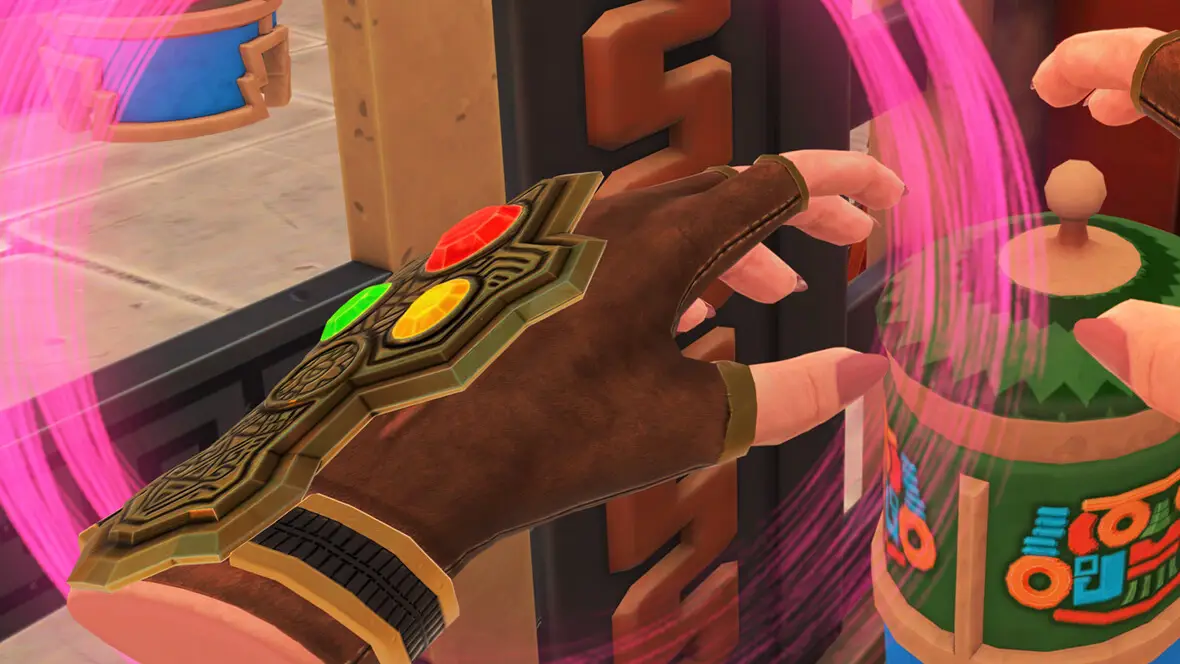
Sitting works for the reading-heavy chapters and for the maze, which is controlled with arrow panels and needs no reach. It does not work well for the observatory's star grid, where the top rows want you to rise, or for the temple's tile wall if the frame sits low.
The practical setup: a chair you can push back, positioned so you can stand up without stepping. Start seated, stand when a mechanism asks for it. The game never teleports you, so standing mid-chapter costs nothing.
Brightness and the dark-room problem
Sunstone of Time is dark by design. Torchlight, deep stone, blue shadow. On PSVR2's OLED panel that looks great and reads badly if your room is bright.
Two adjustments: lower the room lights, and raise in-game brightness by one step. Do not max it, because the contrast that makes carvings legible disappears when everything is grey.
If you play in a room with a window behind you, close the curtain. The headset's cameras use the visible room for tracking, and a bright window confuses them during a slow head turn.
PSVR2 uses eye tracking for foveated rendering. If the image looks soft at the centre after you have handed the headset to someone else, run the eye-tracking setup again. It takes thirty seconds and fixes blur that looks like a lens problem.
Tracking drift in the observatory
Two things cause drift in this game, and neither is a hardware fault.
The first is a featureless wall. Inside-out tracking needs visual detail, and a blank plaster wall at the edge of your playspace gives the cameras nothing. A poster or a shelf on that wall fixes it.
The second is low light. PSVR2 handles dim rooms well, but not pitch black. A lamp behind you, out of the headset's view, is the usual answer.
If the view drifts, hold the headset still for a few seconds and look at a detailed surface. The cameras re-anchor quickly.
Controller battery and long sessions
The Sense controllers run roughly four to five hours per charge. Sunstone of Time's campaign is six to seven, so a single-sitting run will hit the wall.
Charge between chapters. The game autosaves at chapter boundaries, so a break costs nothing. If you use vibration, expect closer to four hours.
FAQ
Can I play Sunstone of Time on PS5 without PSVR2?
No. PSVR2 and Sense controllers are required.
Does it support sitting?
Yes, sitting is a listed play style, though standing helps with high and low interactions.
Is there a PS5 Pro enhancement?
The store listing does not advertise one. Expect the same game on both consoles.
Why does my view drift?
Low light or a featureless wall. Add detail to the room and keep a lamp on behind you.
Official source: PlayStation Store listing ↗ for PSVR2, Sense, play styles, vibration and price. Studio and release details: official Sunstone of Time site ↗. Console requirements: PlayStation Store listing ↗.