
Sunstone of Time SteamVR Settings for Smooth Framerate
Refresh rate, resolution, OpenXR and controller bindings for the Steam version of Sunstone of Time, plus the settings that stop stutter in puzzle rooms.
The Steam version costs $11.99 during the launch discount and runs on PC VR headsets through SteamVR. It is the cheapest way to play, and it is also the version most likely to stutter, because PC setups vary in ways a console does not.
The good news: Sunstone of Time is not a demanding game. It renders small rooms with baked lighting. If it stutters, the cause is almost always a resolution setting that is too high for the headset, not the game's geometry.
For the puzzle side, the Sunstone of Time wiki → covers chapters and trophies; this page is about frames.
Start with the store requirements
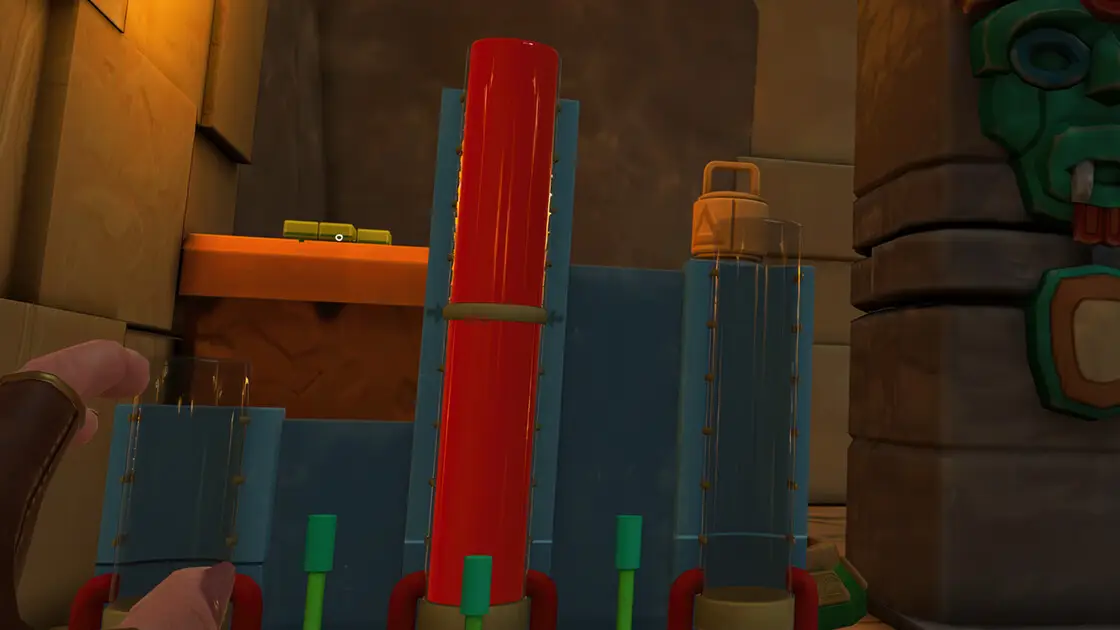
The Steam listing asks for Windows 10, an Intel i5-4590-class processor, 8 GB of RAM and a GTX 970 or R9 290-class graphics card, plus a VR headset and motion controllers. Those are floor numbers from the VR era the game was built for, not recommended specs for a modern headset.
If you are on a Quest 3 or an Index at high resolution, the floor is irrelevant; you will be limited by fill rate, not by the CPU. That is why the first setting to touch is resolution.
Resolution: the one number that matters
Frame rate is only half of comfort, and the VR comfort settings guide → covers the rest of the setup.
SteamVR's per-application resolution is the whole ballgame. Set it globally high and override it for this game.
Start at 100 percent and check the observatory. It is the heaviest room: a domed ceiling, layered lighting and a lot of transparent effects. If the frame rate holds there, it holds everywhere.
If it does not, drop to 80 percent. The visual difference in a game made of stone and torchlight is small; the smoothness difference is large. Do not go below 70 percent, because the glyphs in the temple become mush.
The lab is a small room with one light source and it will hit frame rate on almost anything. The observatory is the stress test. Load Chapter 5 before you decide your settings are fine.
Refresh rate and motion smoothing
Ninety hertz is the safe default. One-twenty is nicer if your GPU can hold it, and it genuinely reduces discomfort in a game with a lot of head turning.
Motion smoothing is a trade. It keeps the frame rate up by synthesising frames, which produces ghosting on moving objects. Sunstone of Time has almost no moving objects, so smoothing is mostly harmless here, but it can smear the light puzzle's beams. If the finale looks wrong, turn smoothing off before you assume the puzzle is broken.
OpenXR versus SteamVR runtime
If your headset supports OpenXR natively, try the OpenXR runtime first. It usually costs less overhead than the SteamVR compositor path, and this game does not rely on SteamVR-specific features.
If the game launches into a black screen or a flat window, switch back to the SteamVR runtime. That failure mode is a runtime mismatch, not a game bug, and it is worth checking before you reinstall anything.
Bindings and hands
The default bindings map grab to the grip and scan to the face button. That works, but two changes help in this game:
- Put grab on the trigger as a secondary binding. Long puzzle sessions with a squeezed grip are tiring.
- Make sure snap turn is bound to the thumbstick, not to a swipe gesture. Swipe turning is imprecise and it is the setting most likely to make you feel ill.
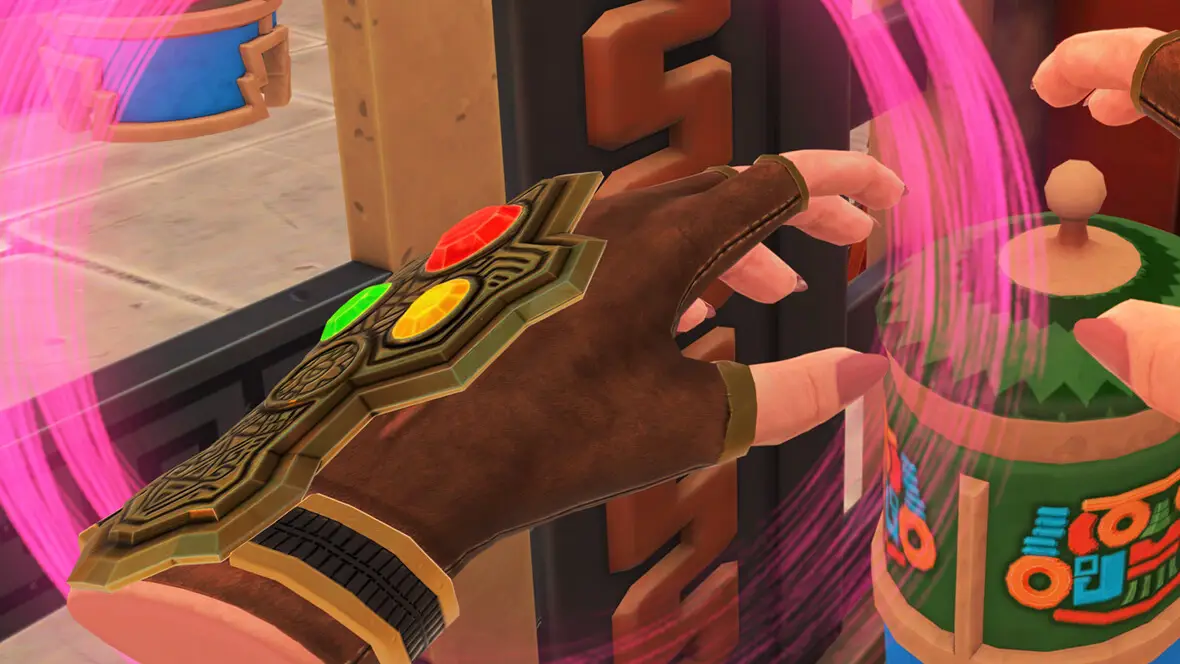
Check the bindings per hand. A left-hand binding that mirrors the right is fine for grabbing and wrong for the scanner, because the scanner lives on the bracelet.
Performance checklist
If you still drop frames:
- Close the overlay apps. Discord and browser overlays cost more than people think.
- Disable the headset's camera passthrough shortcuts if they run in the background.
- Cap the frame rate rather than letting it float; a stable 90 beats an unstable 110.
- Update the GPU driver. New VR titles often ship with a driver profile.
- Move the headset to a USB port on the motherboard, not a hub.
What the PC version does better
Two things, and they are worth the setup. The first is text clarity: a modern headset at native resolution renders the glyphs better than the PSVR2's fresnel lenses, and the temple's reading sections are noticeably easier. The second is price: $11.99 at launch versus $14.99 on PlayStation.
What it does worse is consistency. A console run either works or does not; a PC run can work for five chapters and stutter in the sixth because a background update started.
FAQ
Does Sunstone of Time support OpenXR?
It runs through SteamVR, and OpenXR is worth trying if your headset supports it natively.
Why does the game stutter in the observatory?
Resolution too high for the domed room. Drop to 80 percent and retest there.
Can I play with a gamepad?
No. The game needs motion controllers for two-handed interactions.
Is the Steam version the same game as PSVR2?
Yes. Same six chapters, same puzzles, same 14 achievements.
Official source: Steam store listing ↗ for requirements and price, PlayStation Store listing ↗ for the console comparison. Studio and release details: official Sunstone of Time site ↗.